Eric Fookes, the author of Aid4Mail, kindly provided a free Pro key for me. Also, I sent him a free TinyApps.Org t-shirt a few years ago (his free Notetab application was featured on the shirt).
Exceptional mailbox conversion and archiving utility requiring an unfortunate activation/verification process.
Import from:
|
Export to:
Notes:
|
| Standard | Professional | Enterprise | |
| Process popular mail formats | Yes | Yes | Yes |
| Export to standard mail formats | Yes | Yes | Yes |
| Extract email attachments | Yes | Yes | Yes |
| Extract email addresses | Yes | Yes | Yes |
| MS Outlook support | No | Yes | Yes |
| Extended MAPI clients | No | Yes | Yes |
| Read and write MSG files | No | Yes | Yes |
| Create MHT archives | No | Yes | Yes |
| Create ZIP file archives | No | Yes | Yes |
| Easy database import | No | Yes | Yes |
| Includes Win32 console version | No | No | Yes |
| Requires license activation | Yes | Yes | No |
| License Types | Single and site licenses | Single and site licenses | Unlimited site license |
| Price starting from | $24.95 US | $49.95 US | $1999.95 |
The Aid4Mail download comes in either a 2470k EXE installer or a 2462k ZIP. The ZIP file merely contains the same EXE installer, so there is no advantage in downloading it over the EXE. After downloading, double click setup.exe to install.
In this example, we'll export a Thunderbird mailbox to Outlook in a few seconds (the same thing using free tools took this fellow three hours. UPDATE: Free and easy email migration from Thunderbird to Outlook).
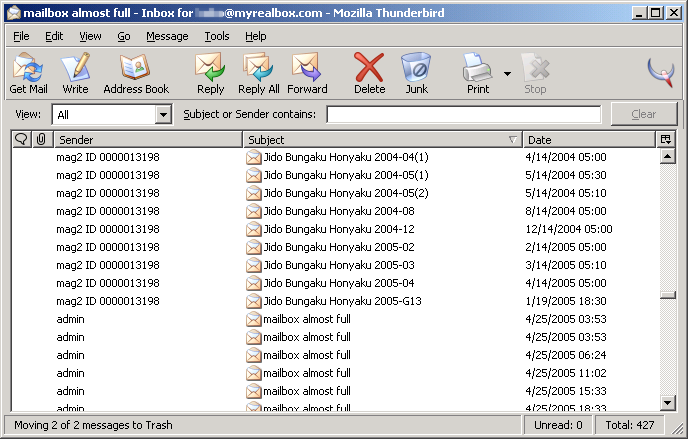
Thunderbird mailbox we'll be converting:
Choose mailbox type to convert from: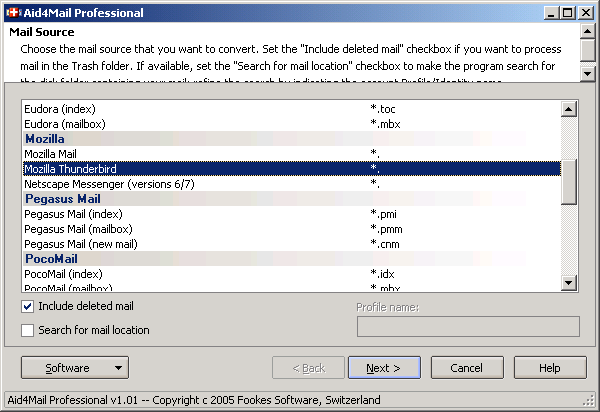
Choose mailbox location: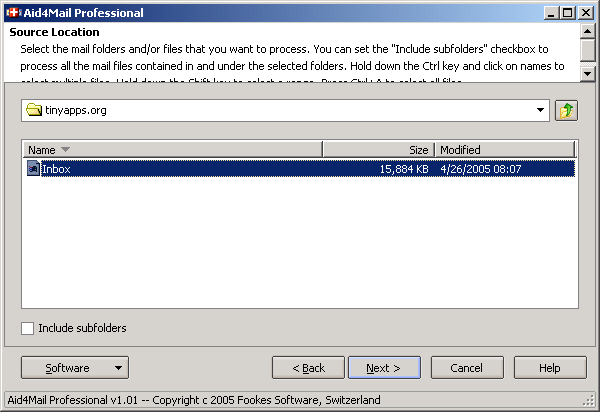
Choose target format: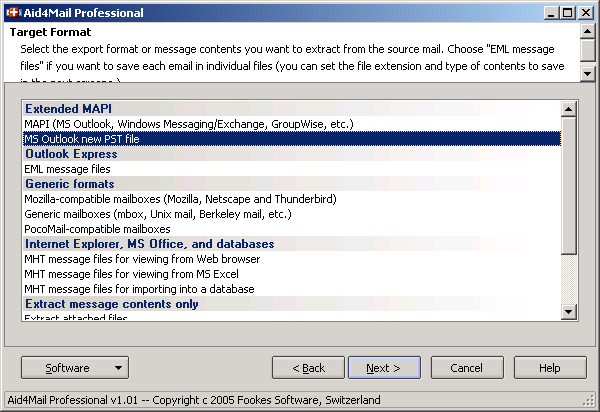
Choose target settings: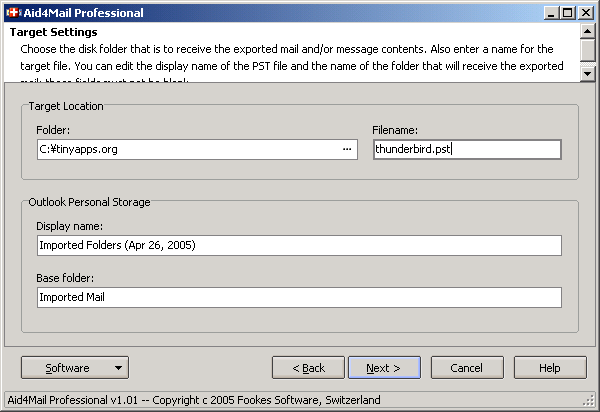
Export options: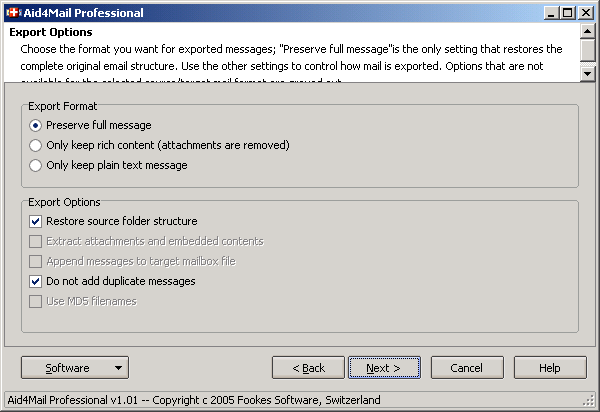
Start export: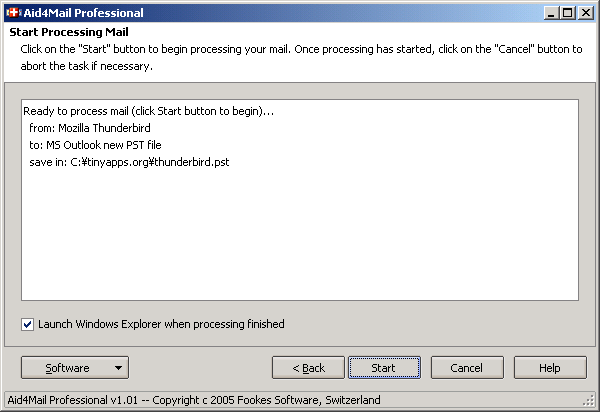
Processing: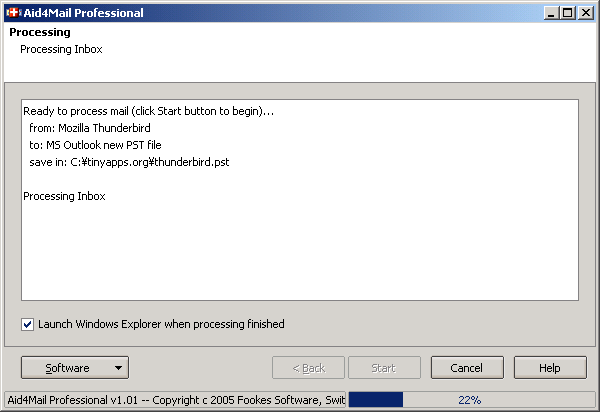
Finished: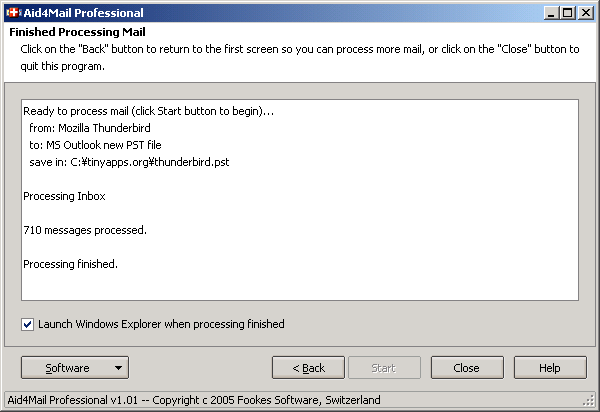
Mailbox automatically imported into Outlook: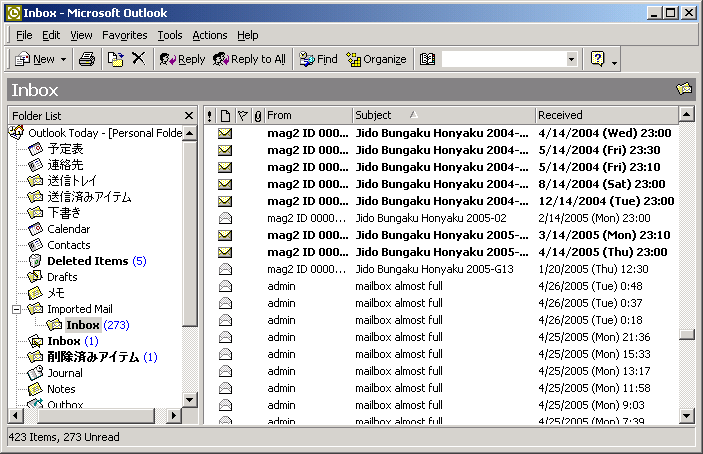
Here are a few Usenet posts by Eric which highlight some cases where Aid4Mail might be especially useful:
If not activated, Aid4Mail works in Trial Mode, which has the following limitations:
According to Eric, the activation process does not collect any details about you or your computer. Unlike Windows Product Activation, Aid4Mail does not tie your license to the PC. Rather, every time it is launched, Aid4Mail attempts to "phone home" in order to verify your license is in good standing. If unable to do so for more than 30 days, it will revert to trial mode:
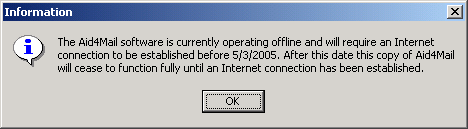
I asked Eric what would happen if Fookes or softworkz (the activation service provider) went out of business. He assured me that a patch would be provided to bypass the activation and verification requirements. He also said that activation would never be disabled for "old" versions, that is, you will always be able to activate any version of Aid4Mail.
Pros:
Cons:
created: 2005.04.26, updated: 2015.10.09